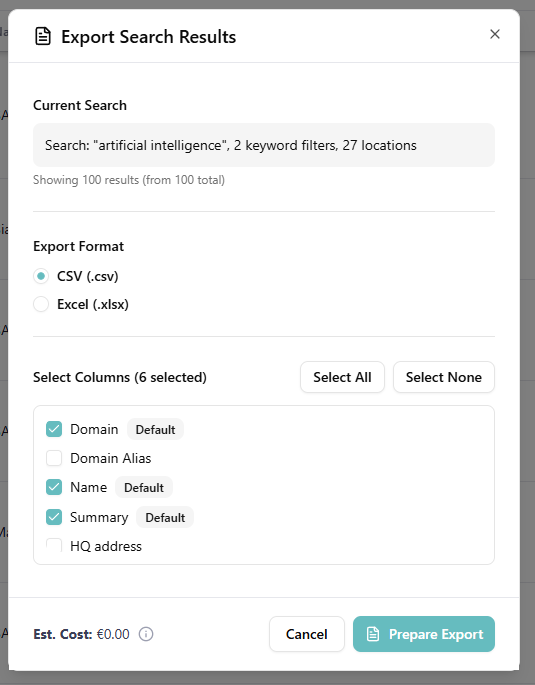
You can export your research results — for all organizations in the result set or a subset that you selected — by clicking the Export button above the results table.
In the export dialog you can:
- Choose a format: CSV or Excel (
.xlsx). - Pick a scope: export all organizations in the current results, or only the rows you've ticked.
- Select columns: choose exactly which fields end up in the file.
Export is capped at 5,000 organizations per file. If your result set is larger, narrow it down with filters first or export in chunks.