In the lower-left corner of GOI, just above your profile avatar, you'll find the question-mark icon that opens the help menu.
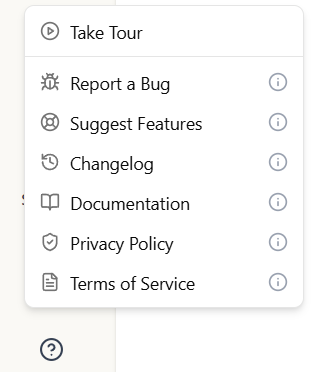
The menu contains:
- Take Tour: Launches an interactive walk-through that highlights the main parts of the platform — the search panel, results table, and key actions. If you're not on the home page when you start the tour, GOI will offer to take you there first.
- Report a Bug: Opens our public feedback board so you can tell our dev team about an issue or unexpected behavior. We use the same board for all incoming reports.
- Changelog: Opens the changelog where you can see recent feature releases and bug fixes from the team.
- Documentation: Opens this documentation site so you can look up how a particular feature works.
- Privacy Policy: Opens the istari.ai privacy policy in a new tab.
- Terms of Service: Opens the istari.ai terms of service in a new tab.