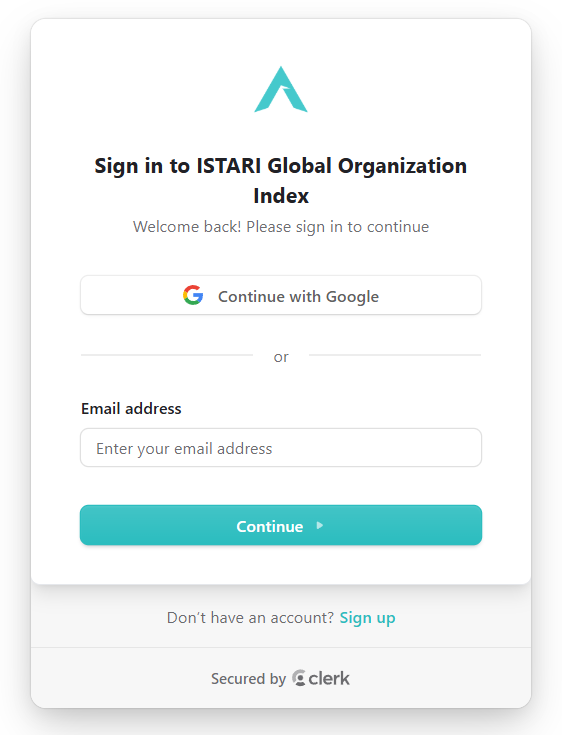
Login via Google account
You can log in quickly and securely using your existing Google account. Click the Sign in with Google button on the login page and select your account — Google handles authentication for you.
Create a new account with your email
To create a new account, click Create an account, enter your email address, and choose a secure password. After submitting the form you'll receive a confirmation email to verify your address. Once verified, you can log in and start using the platform.
Reset password
If you forget your password, click Forgot password? on the login page. Enter your registered email address and we'll send you instructions to reset your password. Follow the link in the email to choose a new password and regain access to your account.
Log out
Click your profile icon in the bottom-left corner and choose Sign out to end your session. To use the platform again, simply log in once more.