The Subscription and Billing page is where you track your credits, review invoices, and look back over the API calls and on-demand actions that have consumed credits.
To open it, click your profile avatar in the bottom-left of the sidebar and choose Subscription and Billing from the dropdown. You can also click the credits balance number under your avatar — it links straight here.
Total credits
At the top of the page, the Total Credits card shows your current balance in euros. Credits are used for on-demand features such as API requests.
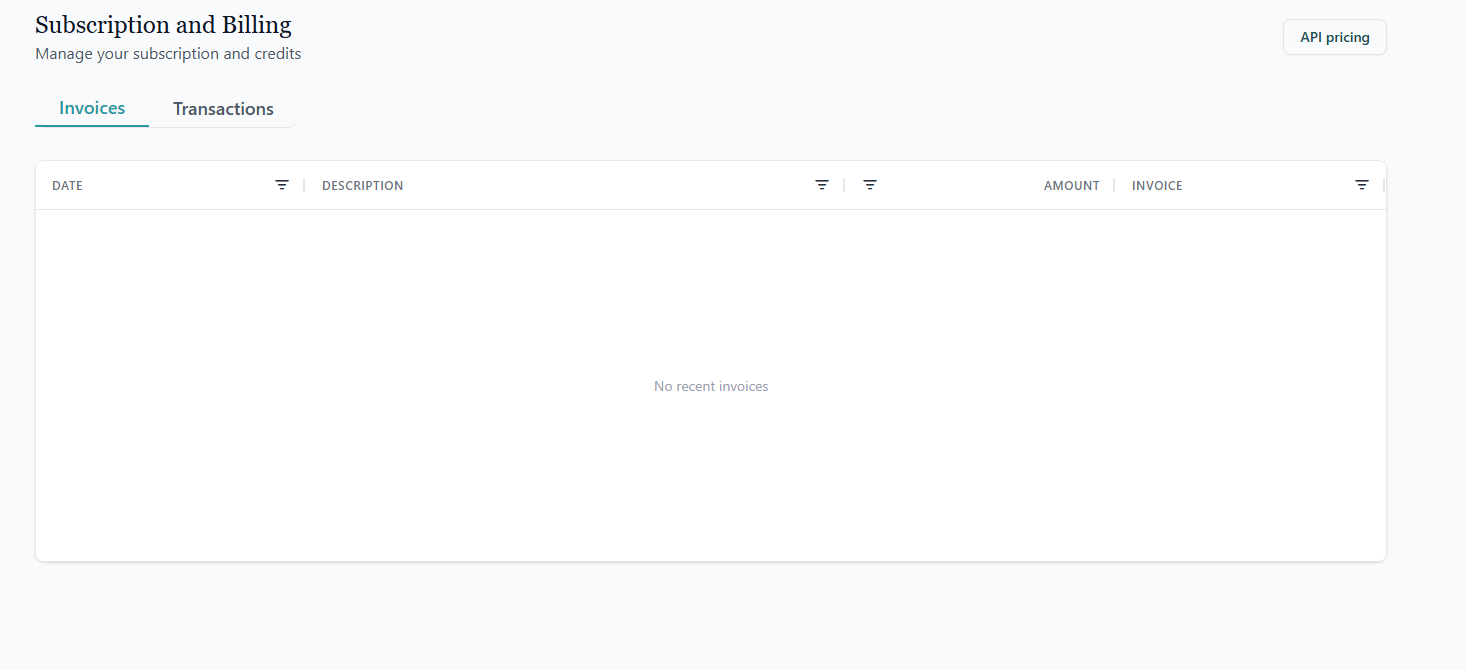
To the right of the page header is an API pricing button. Click it for a quick reference of how credits are consumed (for example, €0.10 per company returned through the API).
Invoices
The Invoices tab lists your most recent invoices. Each row shows the date, amount, and status of the invoice so you can keep track of what has been billed.
Transactions
The Transactions tab shows a detailed log of credit movements — for example, credits added through a top-up, or credits consumed by API requests. Use this view to reconcile usage against your invoices.
The Subscription and Billing page is only visible to accounts that have credit-based features enabled. If your plan doesn't include them, the menu entry won't appear in your profile dropdown.