

Save a search
From any results page, click Save Search in the top-right corner. Give the search a descriptive name (e.g. “German aluminium recyclers”) and confirm. The search appears immediately in the Saved Searches tab in the sidebar.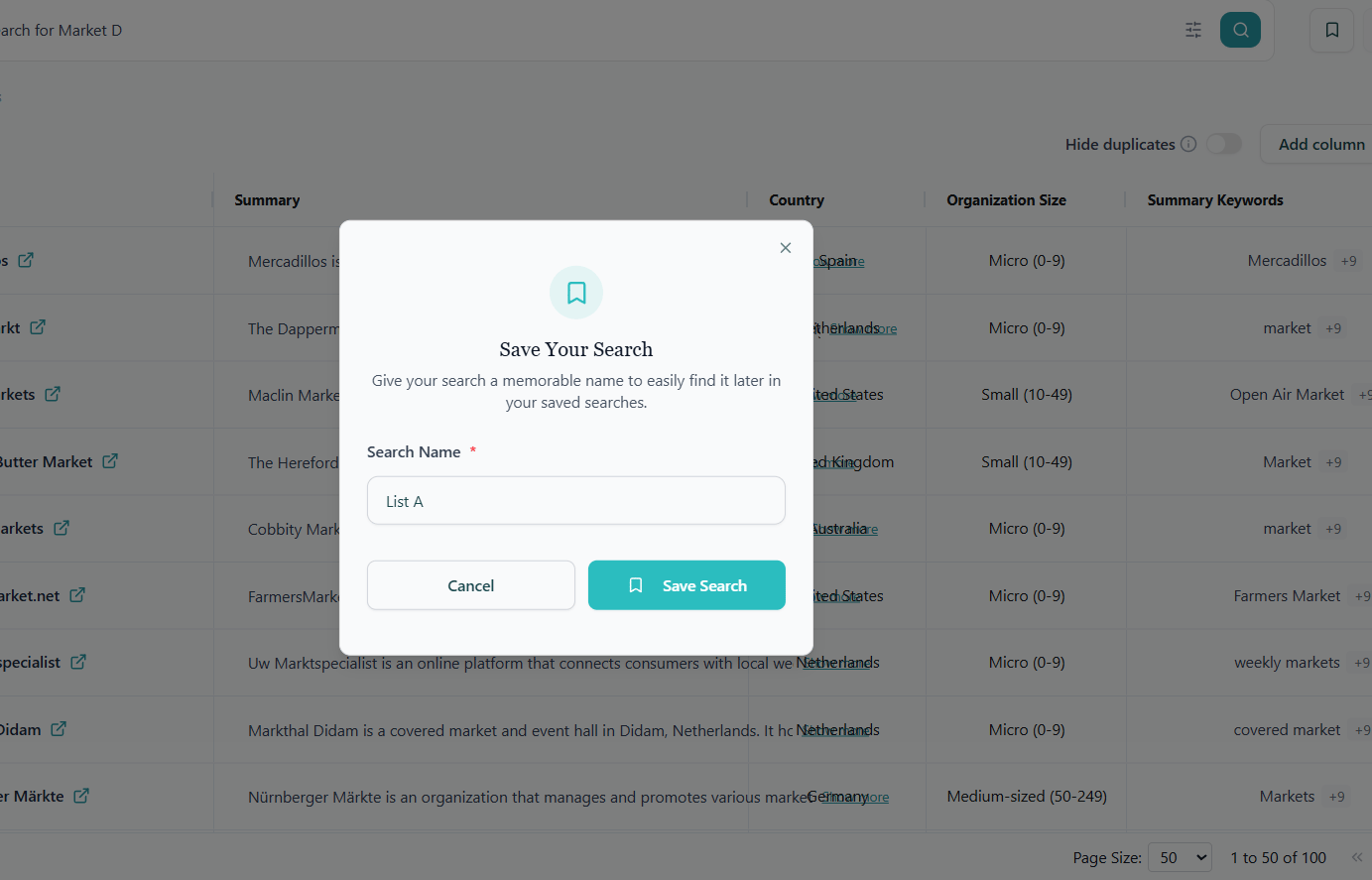
Manage your saved searches
The Saved Searches page lists every search you’ve saved as a card. Each card shows:- The search name you chose.
- A result count badge with the number of matches the search returned when you last ran it.
- A Domain search badge if the search was built around a reference website.
- The keywords and location filters applied, shown as a short summary.
- The date you saved the search.
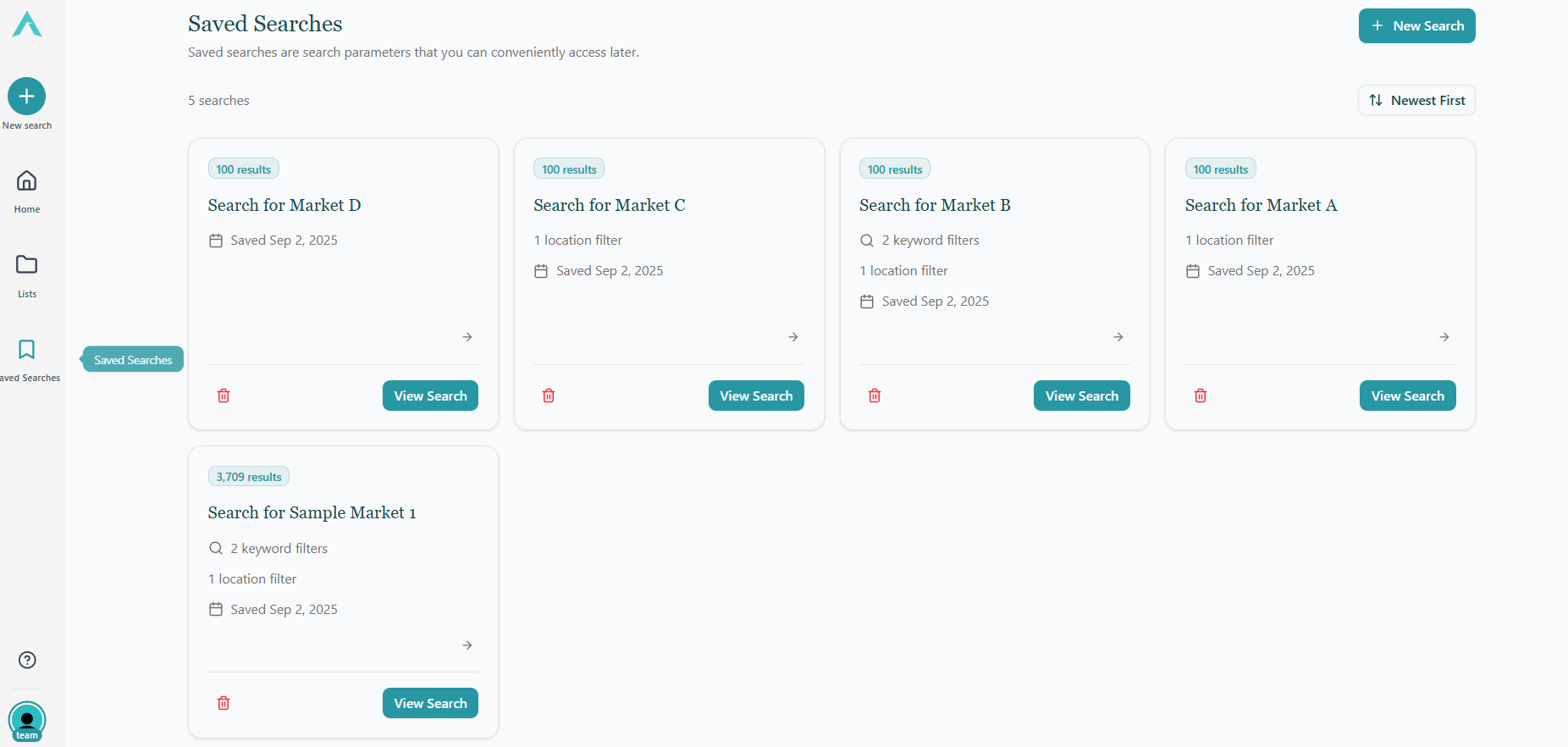
- View Search: re-run the search and land on a fresh results page.
- Delete: remove the saved search permanently. This cannot be undone.