

How it works
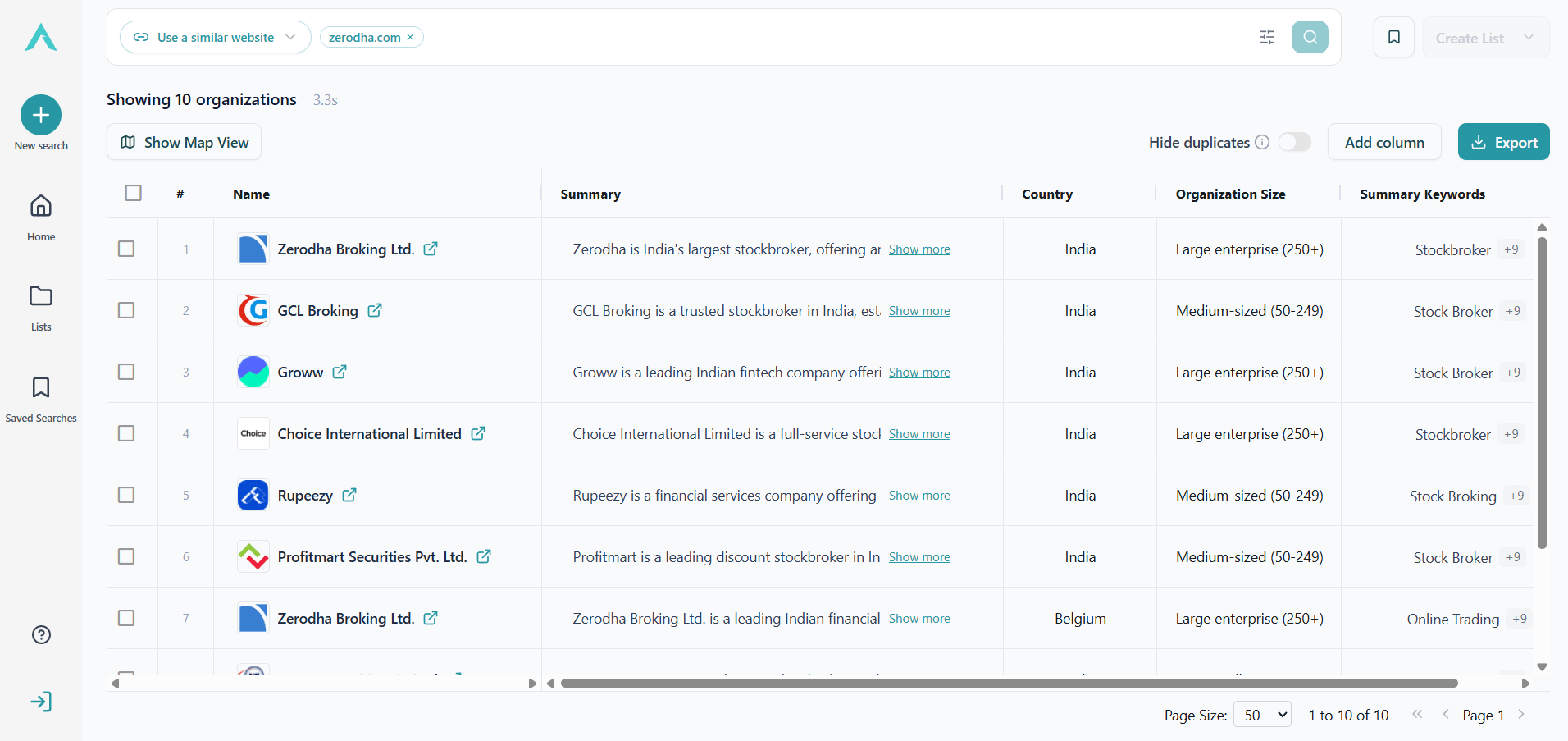
- Switch the search type to Use a similar website (in Advanced mode).
- Enter an organization’s website, e.g.
bosch.deorvibracoustic.com. - ISTARI automatically analyses the organization’s public digital footprint and generates a feature-rich organization summary.
- That summary is then used to scan our master database and return similar organizations.
Refining a similarity search
Once you’ve added a reference domain, you can steer the result set with up to three “prioritize” and three “avoid” keywords:- Add keywords to prioritize: favour organizations whose profiles mention these terms. Useful when the reference organization has multiple business lines and you care about only one of them.
- Add keywords to avoid: downweight organizations that mention these terms. Useful to exclude adjacent industries or irrelevant segments.
See also
- Semantic Search: when you have a market description but no specific reference organization.
- Keyword Search: when you want exact term matching with no semantic interpretation.